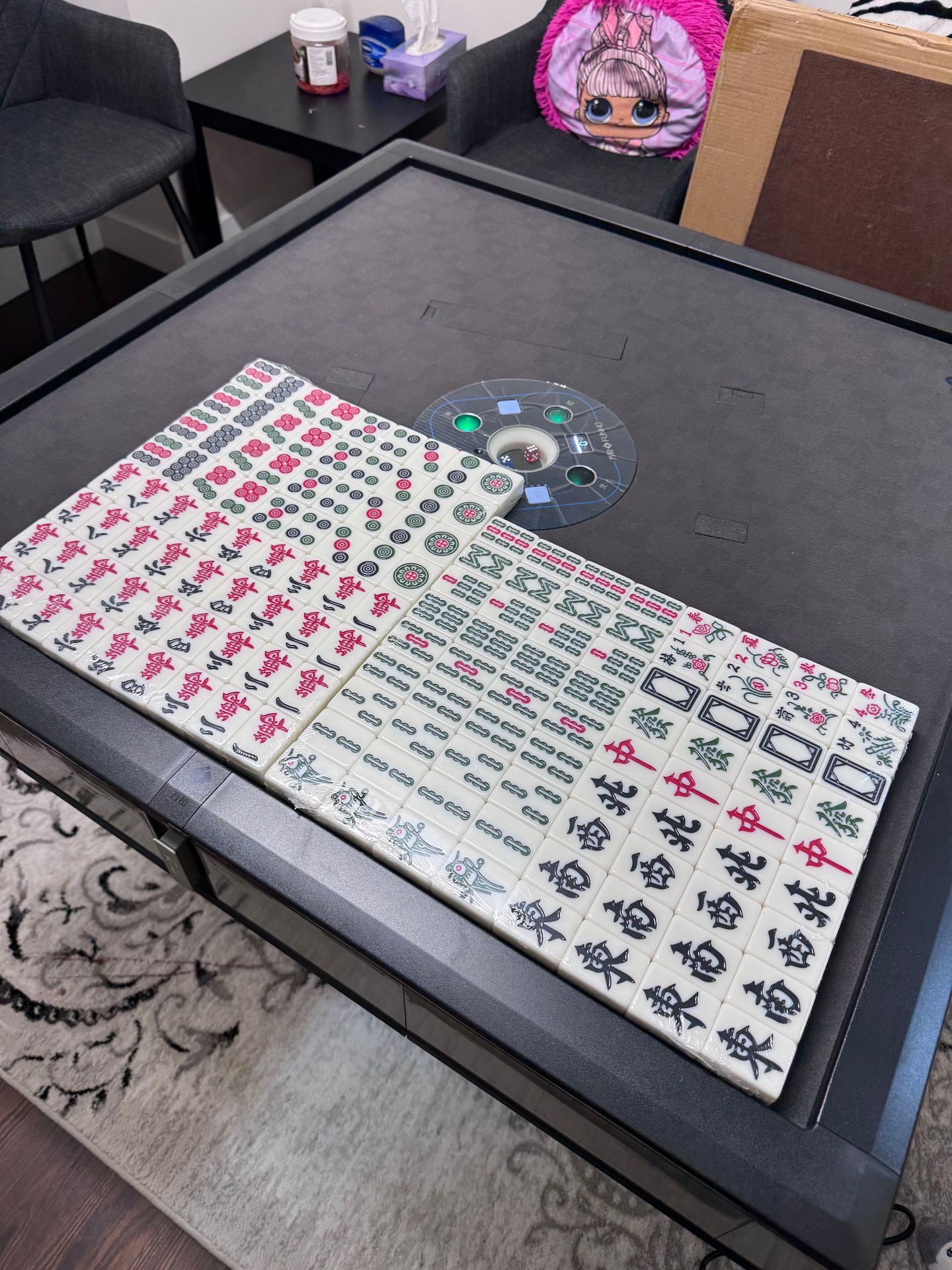
How to Adjust the Tile count setting on a FUNHO Automatic Mahjong Table
GG
How to adjust the tile count setting on a FUNHO automatic mahjong table.
With the table in the finished-shuffling/ready state, press and hold the small round black button for at least 5 seconds. When you hear a beep and all four indicator lights turn on, the table has entered setting mode.
Use the Up/Down buttons (orange or blue square buttons) and the Left/Right buttons to select the desired tile-count setting, such as 136 tiles or 108 tiles.
After selecting the desired setting, the small digital display will show the corresponding setting number and tile count. Press the small round black button once again. A beep will sound to confirm the selection.
Press the Up/Down button (orange or blue square button) once to run one cycle. Then place the corresponding number of tiles into the table and shuffle again. The new setting will take effect.
Common settings:
Setting 01: 136 tiles
Setting 02: 108 tiles
Setting 03: 144 tiles